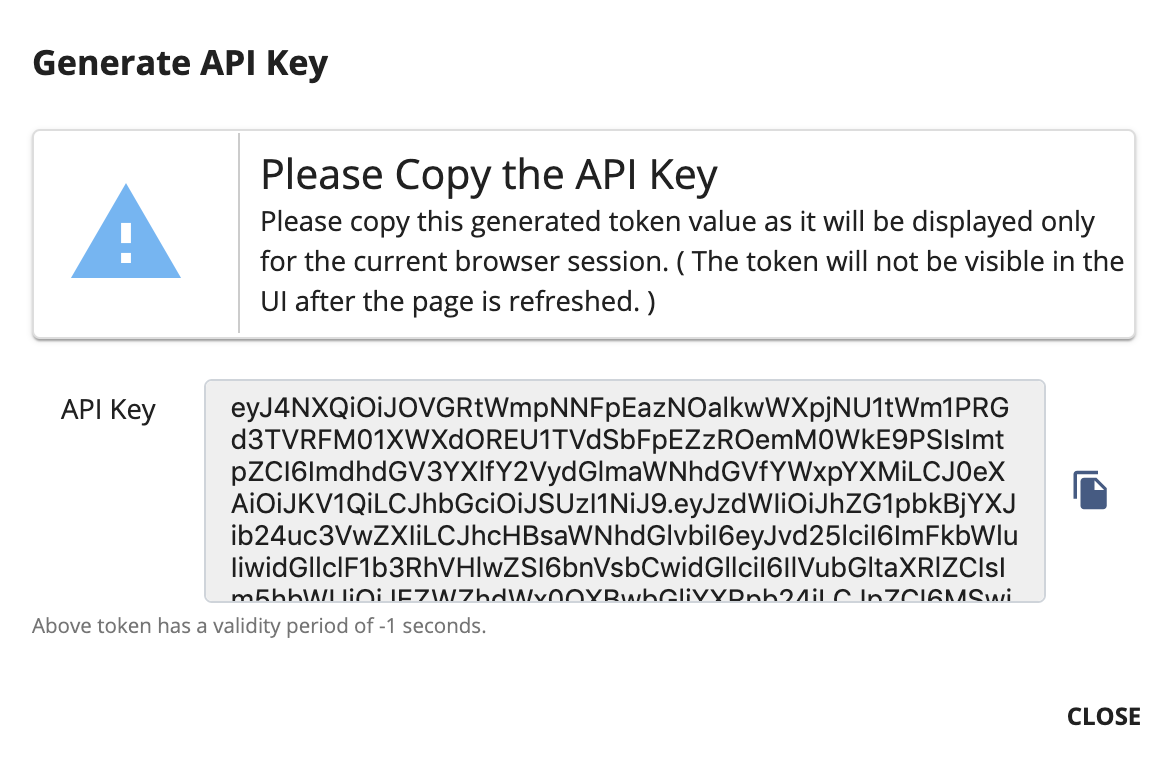
Generate api key
-
Sign in to the Developer Portal.
https://<hostname>:9443/devportal -
Click APIs and click on the respective API (e.g.,
PizzaShackAPI). -
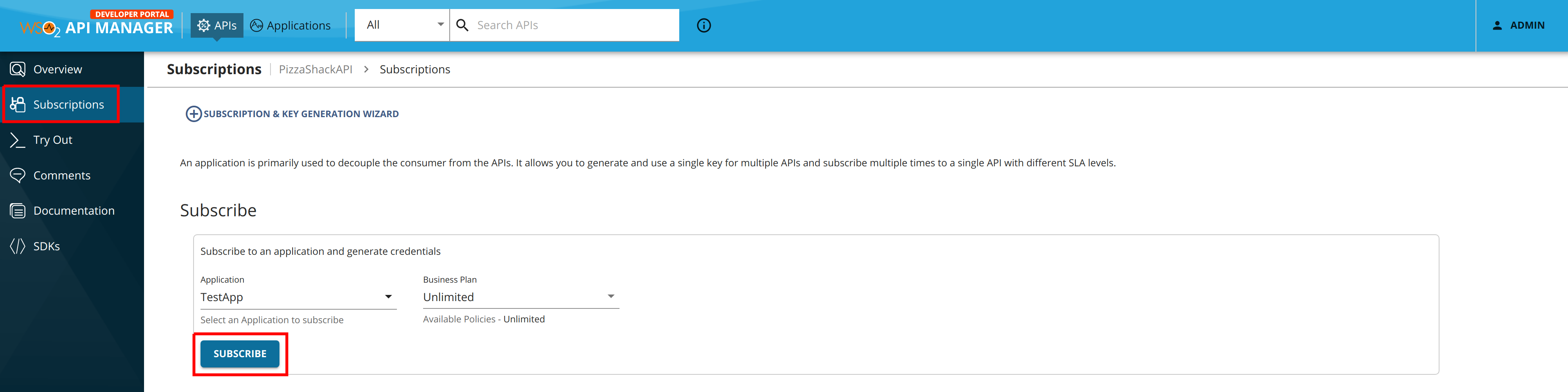
Click Subscriptions.
-
Select an application and select a throttling policy.
Note
API Keys can work with any application, which is either JWT or OAuth.
-
Click Subscribe.
-
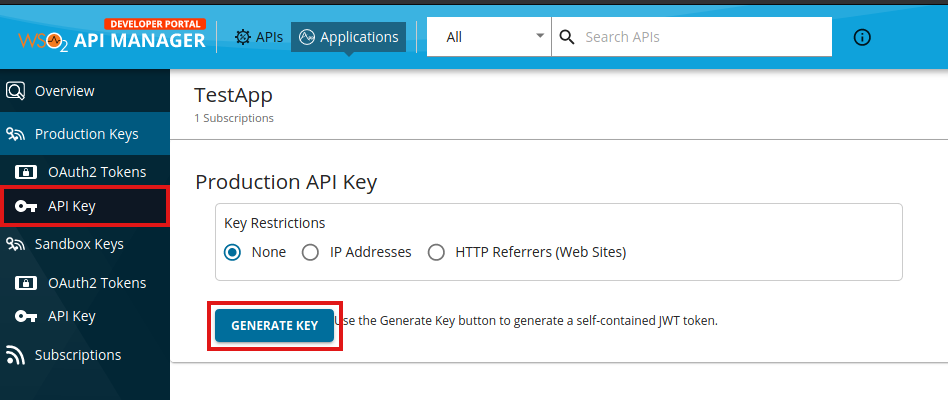
Click MANAGE APP, corresponding to the application that you used to subscribe to the API.

-
Click API KEY and click GENERATE KEY.
-
Optionally, define a validity period for the token.
By default, the API Key does not expire. However, optionally, you can define a validity period for the token as follows:
-
When you click Generate Keys, deselect the API Key with infinite validity period option in the pop-up.
-
Enter the expiry time in seconds.
-
-
Copy the API key.