Implement Custom Throttling
Custom rate limiting allows system administrators to define dynamic rules for specific use cases, which are applied globally across all tenants. When a custom rate limiting policy is created, it is possible to define any policy you like. The Traffic Manager acts as the global rate limiting engine and is based on the same technology as WSO2 Complex Event Processor (CEP), which uses the Siddhi query language . Users are therefore able to create their own custom rate limiting policies by writing custom Siddhi queries. The specific combination of attributes being checked in the policy need to be defined as the key (also called the key template). The key template usually includes a predefined format and a set of predefined parameters. It can contain a combination of allowed keys separated by a colon (:), where each key must start with the prefix $. The following keys can be used to create custom rate limiting policies:
resourceKey, userId, apiContext, apiVersion, appTenant, apiTenant, appId, clientIp
For example, the following sample custom policy allows the admin user to send 5 requests per minute to the Pizza Shack API.
-
Sign in to the Admin Portal using the URL (
https://<ip_address>:<port>/admin) and your admin credentials (admin/admin by default).Example:
https://localhost:9443/admin -
Click Rate Limiting Policies tab and click Custom Policies tab.

-
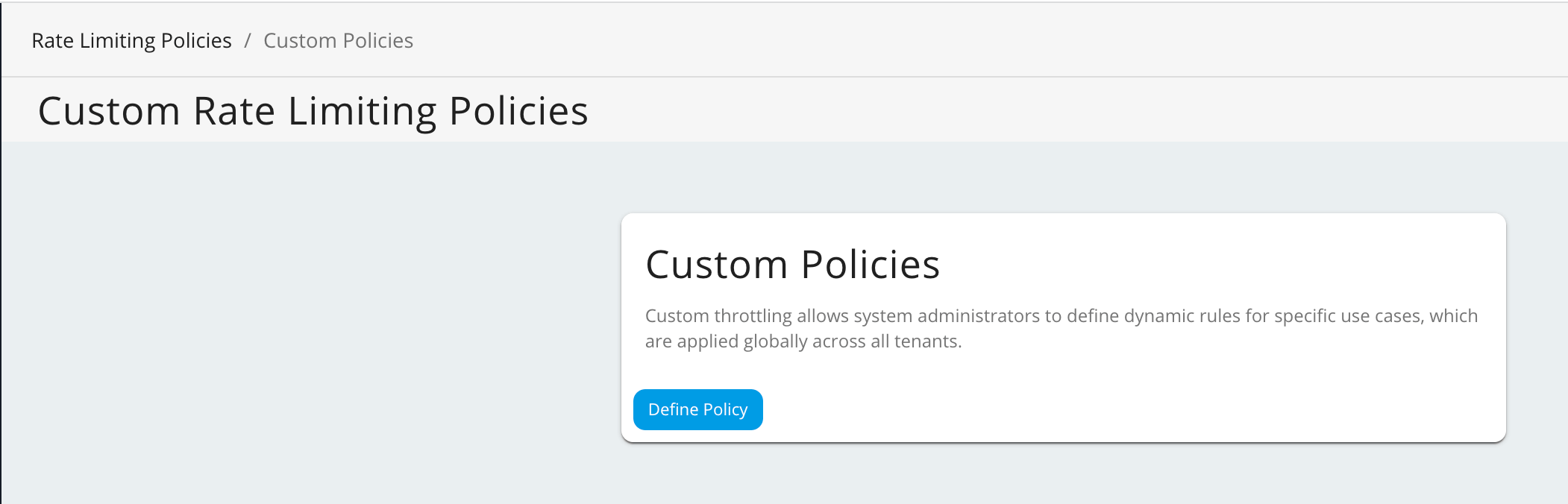
To add a new policy, click Define Policy.
-
Fill in the required details and click Save.
Field Description Name CustomPolicy Description Sample custom policy Key Template userId:apiContext:$apiVersionSiddhi query
FROM RequestStream
SELECT userId, ( userId == '[email protected]'  and apiContext == '/pizzashack/1.0.0' and apiVersion == '1.0.0') AS isEligible ,
str:concat('[email protected]',':','/pizzashack/1.0.0:1.0.0') as throttleKey
INSERT INTO EligibilityStream;
FROM EligibilityStream [isEligible==true] #throttler:timeBatch(1 min)
SELECT throttleKey, (count(throttleKey) >= 5) as isThrottled, expiryTimeStamp group by throttleKey
INSERT ALL EVENTS into ResultStream;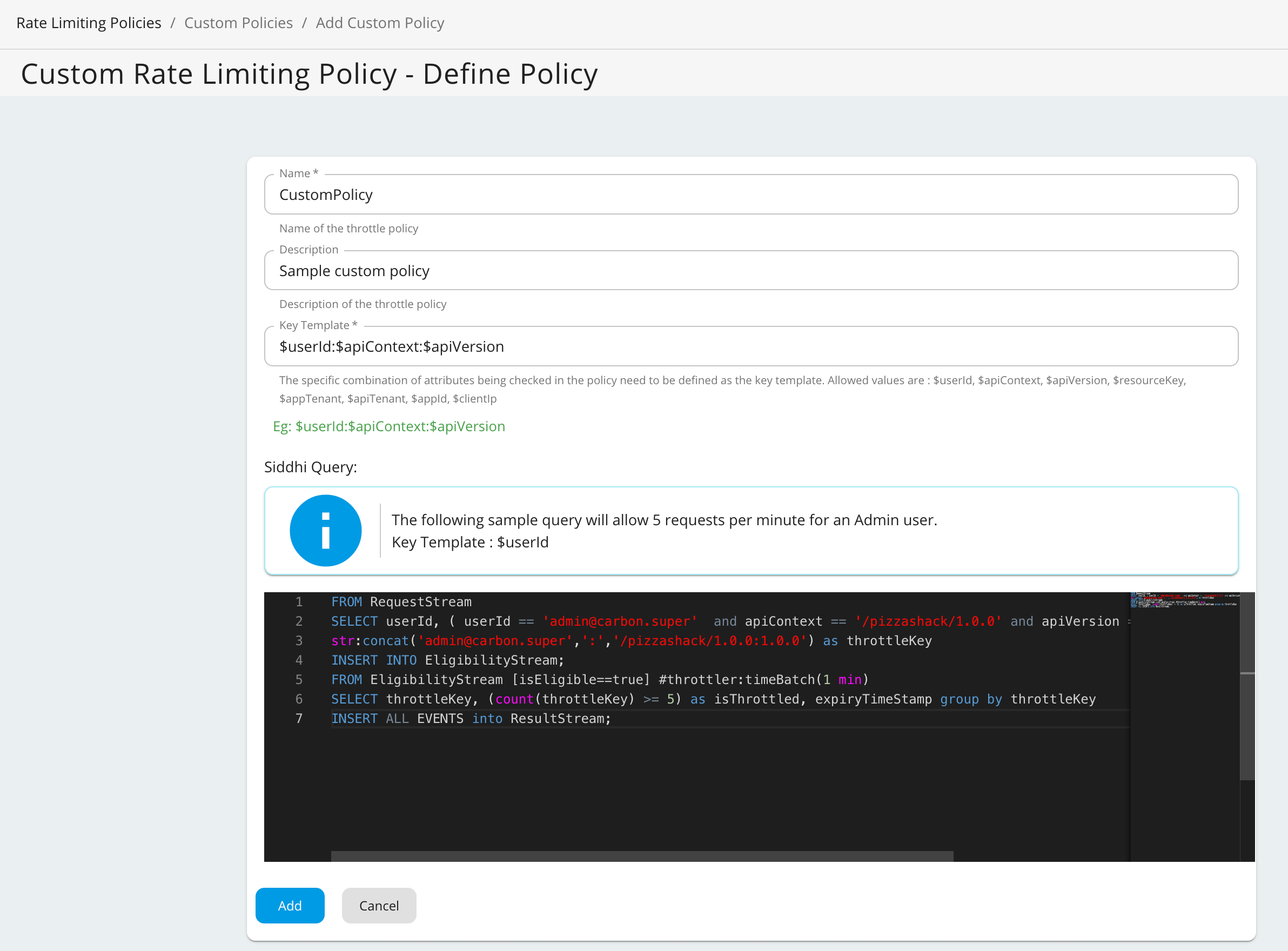
As shown in the above Siddhi query, the throttle key must match the key template format. If there is a mismatch between the key template format and the throttle key, requests will not be throttled.
Custom Rate Limiting with Distributed Throttling
Important
If you are using distributed throttling in WSO2 API Manager, you must use throttler:distributedCount instead of the standard count function in your Siddhi queries.
For example, the above siddhi query should be written as follows if you are using distributed throttling.
Siddhi query for distributed throttling
FROM RequestStream
SELECT userId, ( userId == '[email protected]'  and apiContext == '/pizzashack/1.0.0' and apiVersion == '1.0.0') AS isEligible ,
str:concat('[email protected]',':','/pizzashack/1.0.0:1.0.0') as throttleKey
INSERT INTO EligibilityStream;
FROM EligibilityStream [isEligible==true] #throttler:timeBatch(1 min)
SELECT throttleKey, (throttler:distributedCount(throttleKey) >= 5) as isThrottled, expiryTimeStamp group by throttleKey
INSERT ALL EVENTS into ResultStream;
-
Creating new policies: Ensure your new custom Siddhi queries are written using
throttler:distributedCount. -
Updating existing policies: If you are migrating to or currently using distributed throttling, you must update your existing custom policies to replace
countwiththrottler:distributedCount.