Adding an Application Deletion Workflow
Attaching a custom workflow to application deletion, enables an admin to approve/reject application deletion requests made for existing applications. Note that only an admin is able to approve/reject an application deletion request.
After application deletion workflow is enabled, when an application deletion request is made, the application workflow status is changed to the DELETE PENDING state. In this state, a consumer can still use the application to subscribe to APIs, generate production and sandbox keys until the application deletion is approved. Once the application deletion request is approved the application will be deleted.
Engaging the Approval Workflow Executor in the API Manager
-
Sign in to the API Manager Management Console (
https://<Server Host>:9443/carbon) and go to Browse under Registry.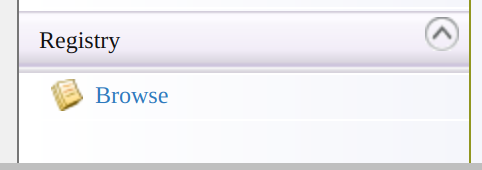
-
Open the
/_system/governance/apimgt/applicationdata/workflow-extensions.xmlresource and click Edit as text. Disable theApplicationDeletionSimpleWorkflowExecutorand enableApplicationDeletionApprovalWorkflowExecutor.<WorkFlowExtensions> ... <!--ApplicationDeletion executor="org.wso2.carbon.apimgt.impl.workflow.ApplicationDeletionSimpleWorkflowExecutor"/--> <ApplicationDeletion executor="org.wso2.carbon.apimgt.impl.workflow.ApplicationDeletionApprovalWorkflowExecutor"/> ... </WorkFlowExtensions>The application deletion approval workflow executor is now engaged.
-
Sign in to the WSO2 API Developer Portal (
https://<hostname>:<port>/devportal) and click Applications.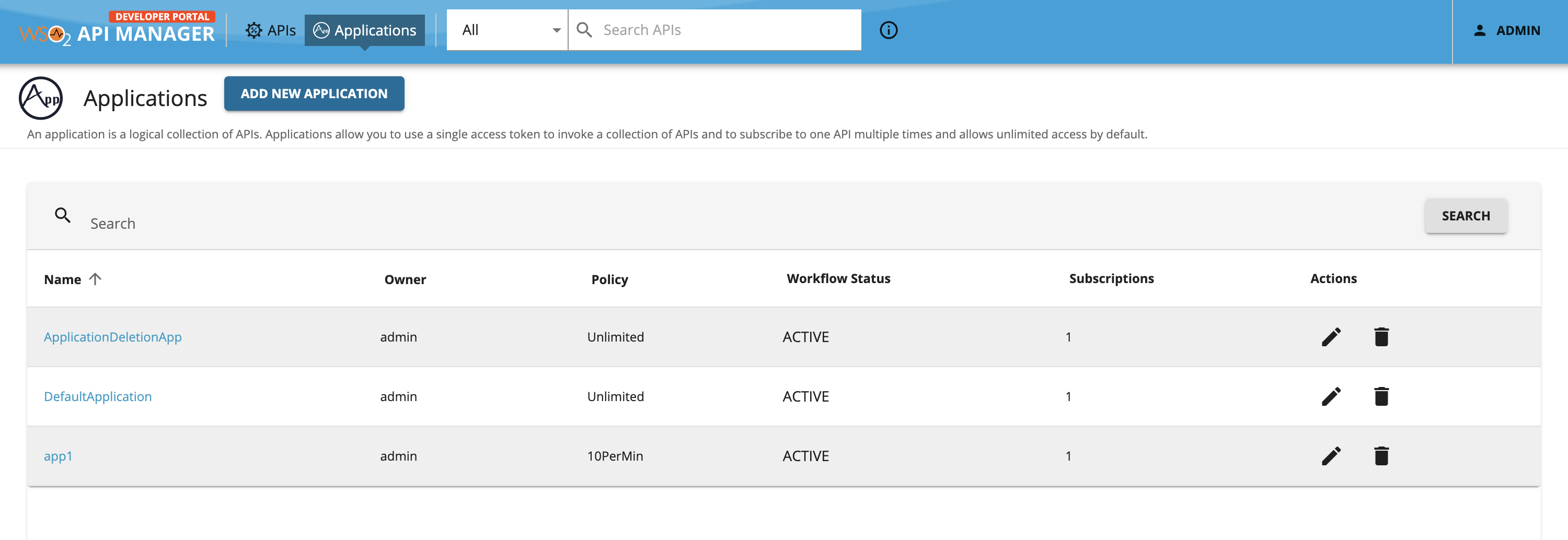
-
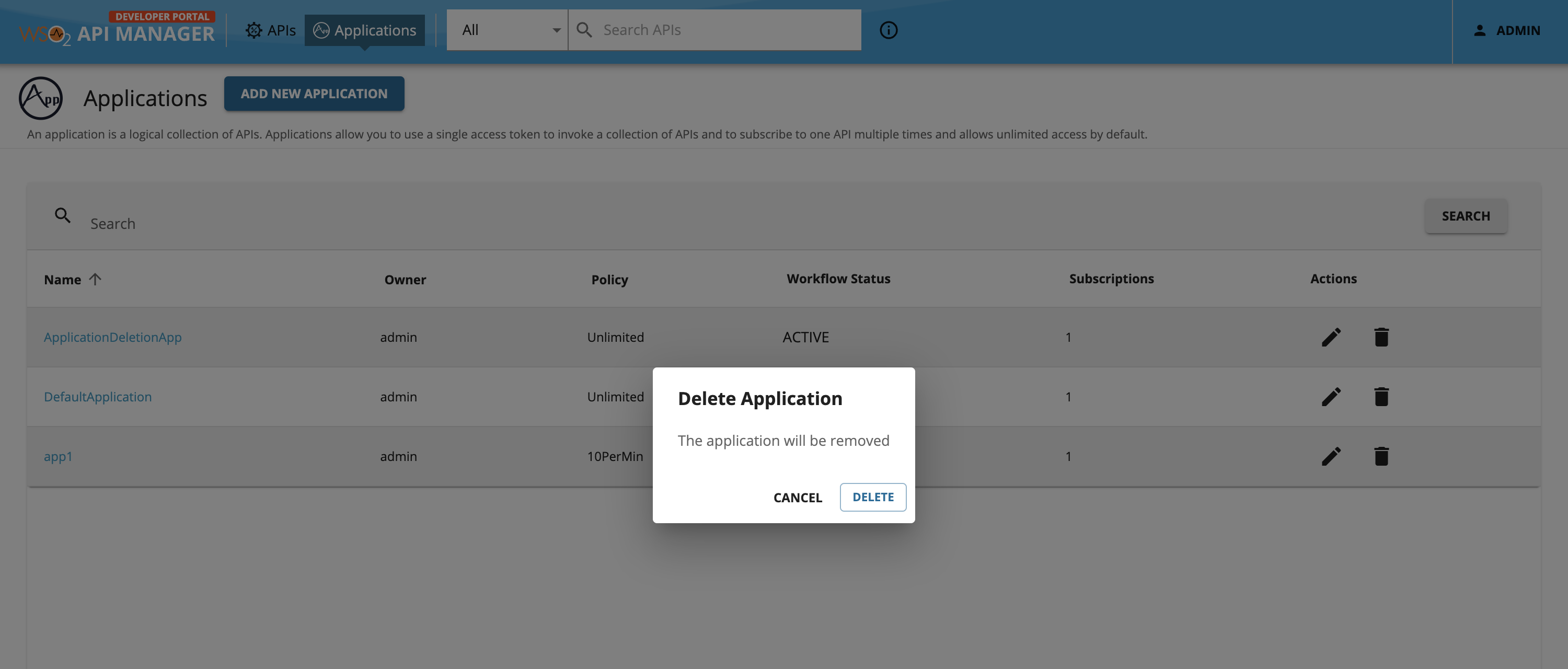
Click the Delete icon under Actions column to open the Delete Application popup to delete the desired application. Confirm the delete request by clicking the Delete button.
-
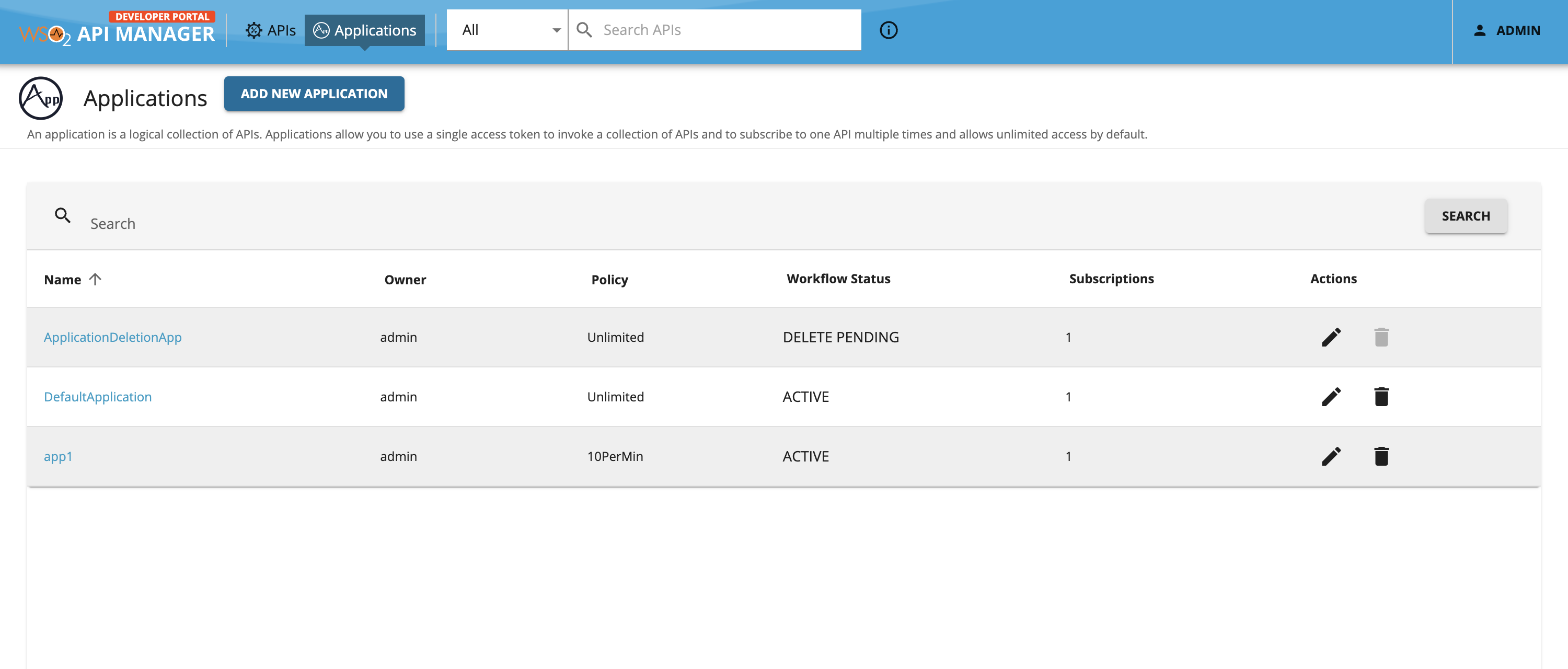
You will see the workflow status as DELETE PENDING.
-
Sign in to the Admin Portal (
https://<Server Host>:9443/admin), list all the tasks for Application delete from Tasks → Application Deletion and click on approve (or reject) to approve (or reject) the workflow pending request.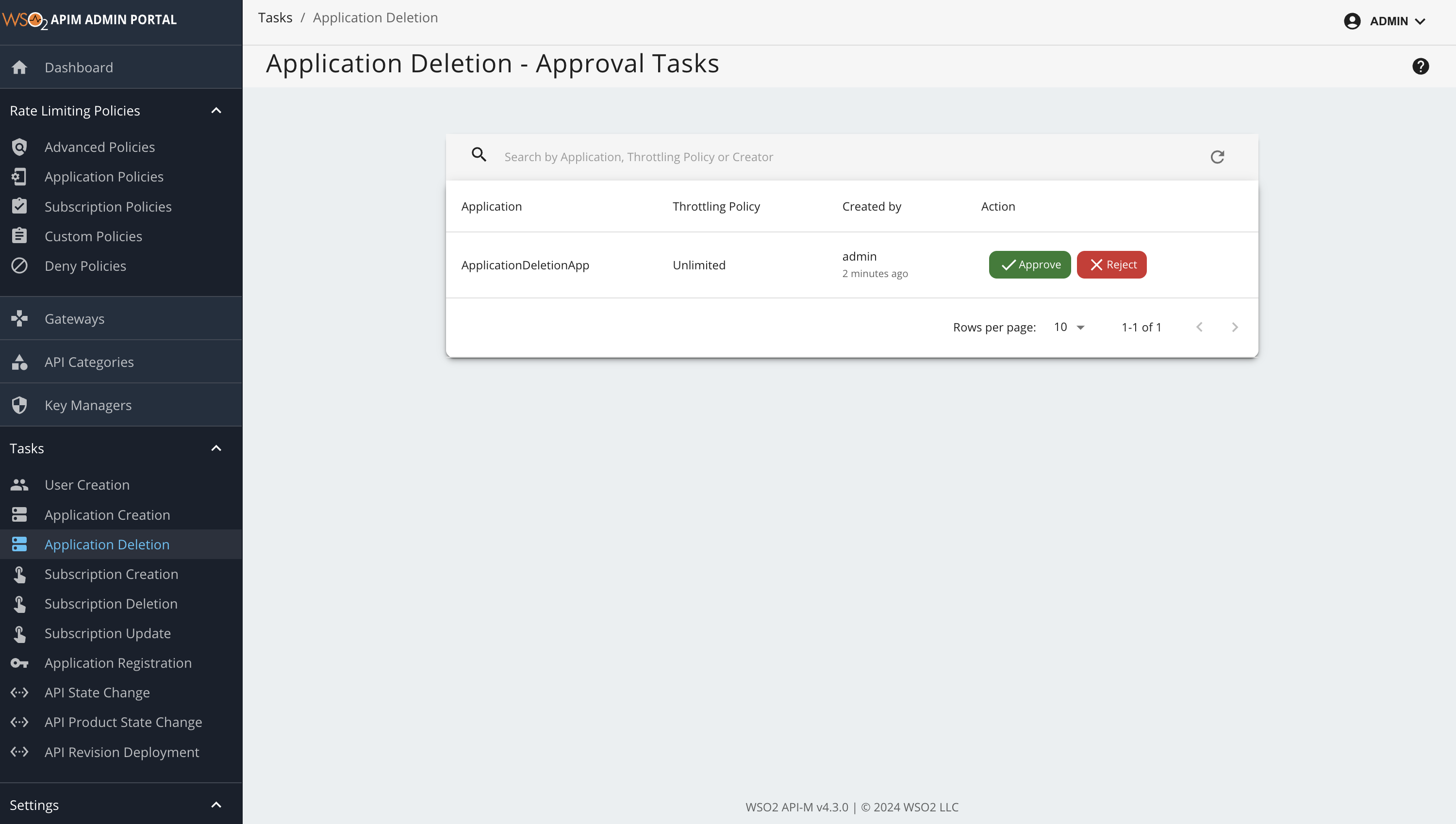
-
After approving go back to the API Developer Portal Application listing page. The application will be removed.